
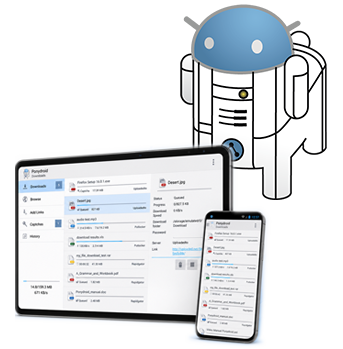

Automatic retries
Connection dropped? Server hiccup? Ponydroid keeps retrying until the file is done.
DOWNLOAD MANAGER FOR ANDROID
Ponydroid is Mipony for Android, the mobile version of the desktop download manager you already know. Same automation, now in your pocket: no waiting rooms, no captcha babysitting, no browser juggling.
Install Ponydroid and let it do the work. It opens the file host, waits out the timer, clears the intermediate steps, and starts your downloads one after anothe, while you get on with your day.
Get it on Google Play Wi-Fi only mode, downloads pause on mobile data, so your plan stays intact.
 Handles host wait times automatically.
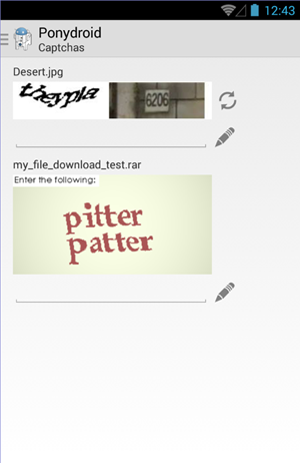
 Notifies you when downloads finish or a captcha needs your attention.
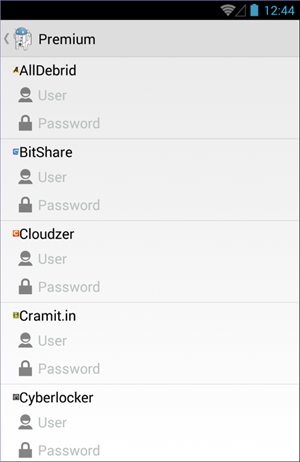
 Works with or without premium accounts.
FEATURES
Ponydroid deals with file-hosting sites so you don’t have to, from the link to the finished file on your device.
PONYDROID
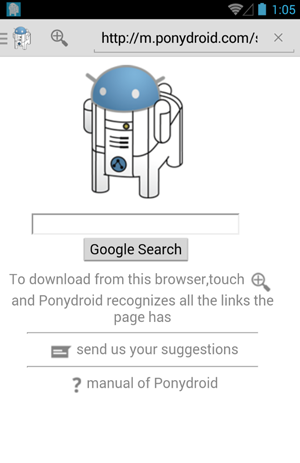
Browse your usual sites and grab download links without leaving the app.
Connection dropped? Server hiccup? Ponydroid keeps retrying until the file is done.

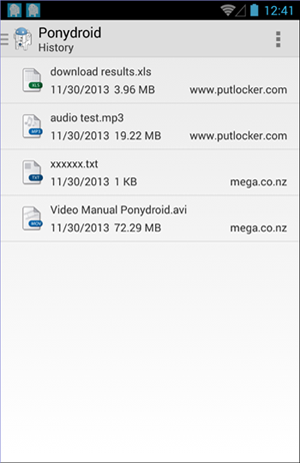
Every recently downloaded file, one tap away.

Manage your downloads from anywhere via the web interface or the Mipony Remote Full app.

Get pinged when a download completes or a captcha is waiting for you.

Supports interchangeable links, Click’n Load, and opening .dlc files.

Splits files into parts and downloads them in parallel to squeeze the most out of your connection.
SCREENSHOTS
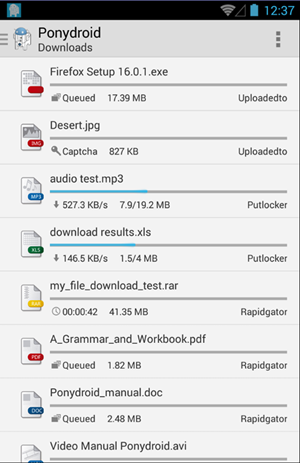
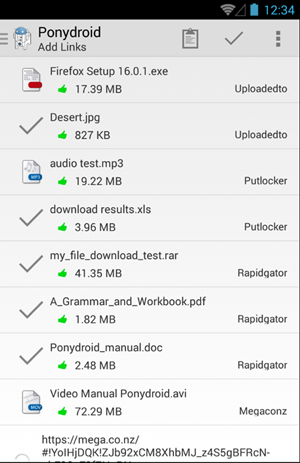
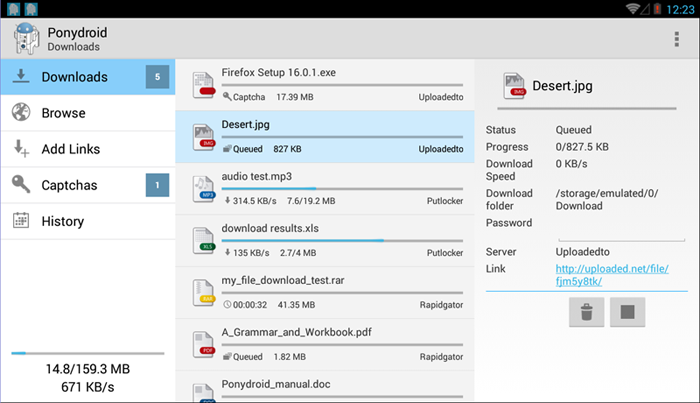
A clean interface for managing links, downloads, and alerts on Android, as straightforward as Mipony on desktop.
HOW-TO
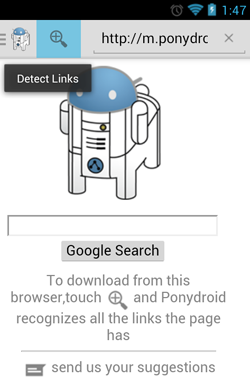
Open websites with links using Ponydroid’s browser and tap the “Detect Links” icon.
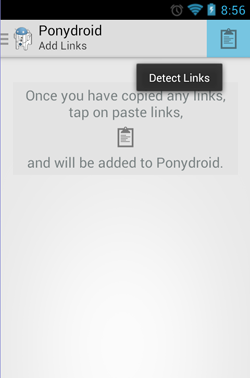
Copy links from your usual browser or any file on your device, then paste them in the “Add Links” section.
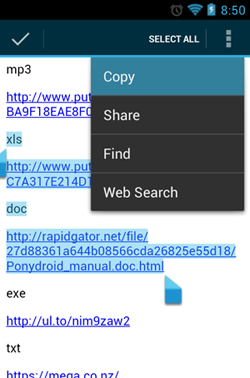
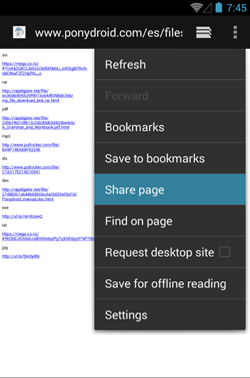
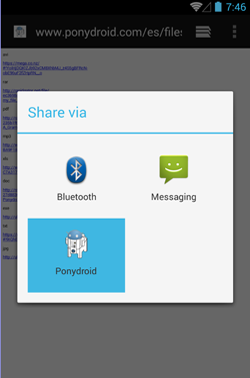
In your usual browser, tap “Share page” and select Ponydroid. The app recognizes links on that page and displays them. This option does not work on pages requiring a username and password.
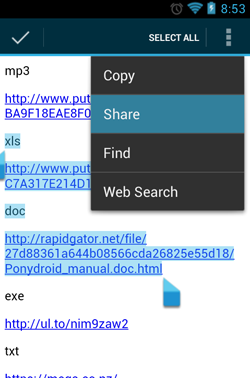
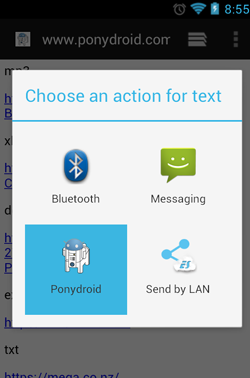
You can also select text in your usual browser and share it with Ponydroid. The app analyzes the selected text and shows every link it finds.
You can add links with Click’n Load and open .dlc files too.
Start downloading in a more comfortable way.
Get it on Google Play